
The latest Kasten release, 3.0.1, brings a set of improvements and one especially important addition, centralized management of multiple Kubernetes clusters for complete data protection. In this post we look at the features and capabilities of k10multicluster.
Introduction#
As we covered in a previous post, you first need to upgrade to the latest version of Kasten k10. You can find the guide here:
https://www.24xsiempre.com/actualizar-kasten-k10/
Once the upgrade is complete, we can move on to configuring k10 Multi-Cluster. As always, you should review the official documentation, available at:
https://docs.kasten.io/latest/multicluster/index.html
In this post we will focus on what the new solution has to offer. I will publish the step-by-step installation guide soon, and it is very straightforward. One of the requirements of k10multicluster is the use of Kubernetes contexts, which in my case look like this:
kubectl config get-contexts
You can keep as many clusters as you need for management, and of course there must be connectivity between all of the clusters.
After that you can download the k10multicluster executable from:
https://github.com/kastenhq/external-tools/releases
Kasten k10 Multi-Cluster works with primary and secondary cluster roles, where there is always exactly one primary and every other cluster you add is a secondary. You therefore need to choose which cluster will be your primary and then add the secondaries easily. In my case I will use the context kubernetes-admin@kubernetes as the primary.

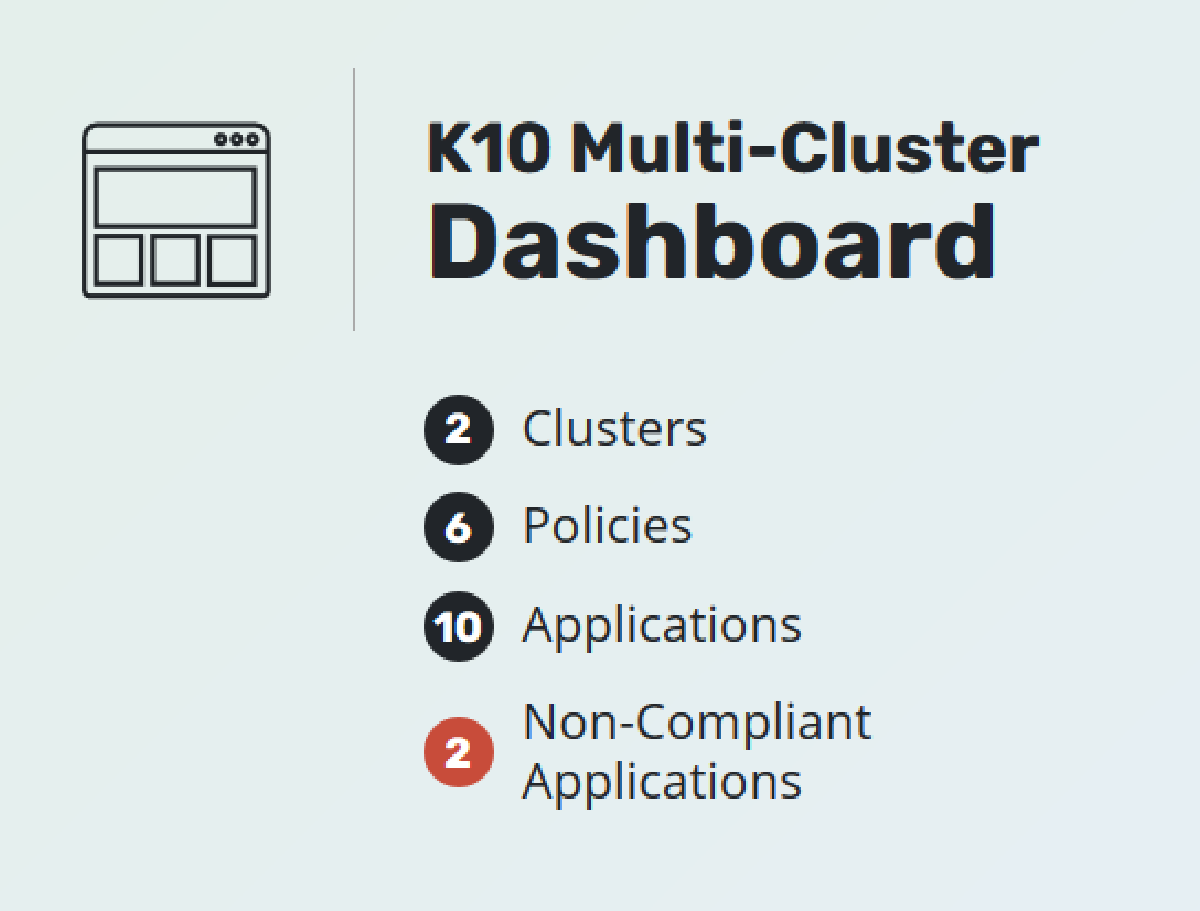
In the image above we can see the Multi-Cluster dashboard with the “Production” and “Development” clusters configured. This is where we will review the most important options this great solution provides.
Global Resources#
One of its biggest advantages is that it lets us create resources for all clusters or assign only certain resources to specific clusters. For example, as we have seen in previous posts, Kasten k10 always needs “Location Profiles”, the profiles that define where data is stored in object storage. You can use:
- Google Cloud Storage
- Amazon S3
- Azure Storage
- S3 Compatible

This way you can keep the resources needed by your different Kubernetes clusters separate. Kasten k10 also requires “Policies”, the backup policies you can assign globally, though each Kasten k10 installation can still have its own policies when needed.

And finally, “Distributions”, which control how global resources are assigned to each cluster or shared across the same resources:

This is where the important part happens. We had already used “Location Profiles” and “Policies” in standard Kasten k10 installations, but here “Distributions” comes into play to assign and synchronize resources and policies to the Kubernetes clusters where we need data protection. For example:

The “wpprd” distribution, which protects a WordPress instance and its corresponding MySQL, has an S3 bucket named kastenprod assigned to it, along with the matching backup policy and execution schedule for the production cluster. If we even open the production Kasten k10 instance, we can see:

This cannot be edited directly from the production instance; it can only be edited from the global resources.
In an upcoming post, I will walk through how to install and configure this tool step by step!